12 Questions to Ask Before Buying Workforce Management Software
Before buying workforce management software, ask 12 questions covering what it does, how it is secured, what support you get and what it really costs. Asking them in the same order of every provider makes the comparison fair.
Features
1. Does it cover the way my teams actually work? Check scheduling, attendance, patrols or task lists, incident reporting and timesheets against your real shifts, not a demo script.
2. How does it prove attendance? Ask whether clock-in is location-verified. If staff can clock in from anywhere, the record proves little.
3. Does it need hardware or an app download? Hardware adds cost, and downloads add friction for new staff. A browser-based web app avoids both.
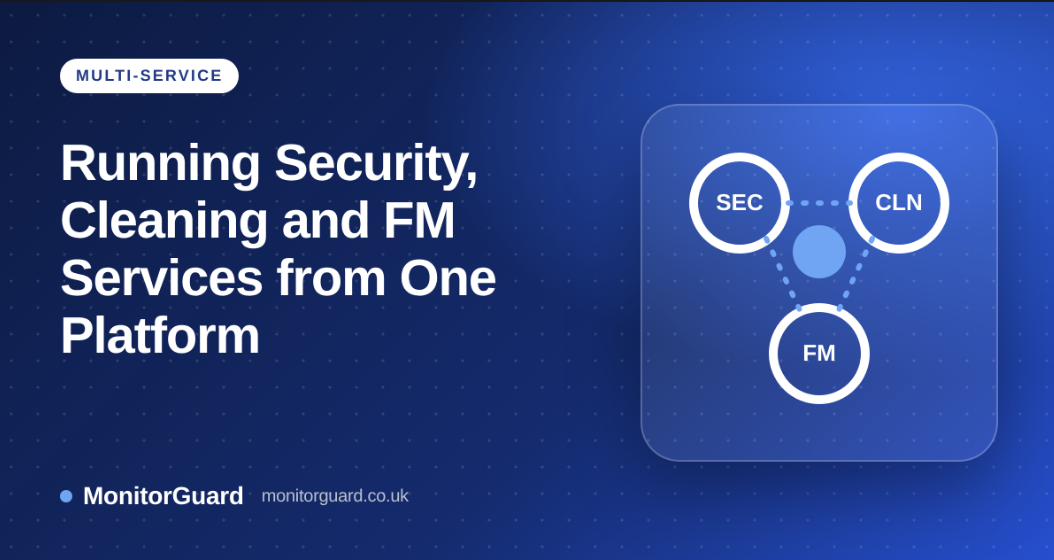
4. Can it handle several services and sites? If you run security, cleaning and FM, check that one system can schedule and report across all of them.
Security and data
5. How is my data protected? Ask about two-step verification, encryption and where data is stored.
6. Can I control who sees what? Look for role-based access that limits visibility by role, department or contract.
7. Is there an audit trail? You should be able to see who changed a record and when.
Reliability and support
8. What uptime do you commit to? Ask for the uptime commitment in writing and what happens if it is missed.
9. What support is included, and how can I reach it? Check for email, phone and in-app chat, and whether support is free or extra.
10. Will you help with set-up and training? Setup and training reduce the risk of a failed rollout.
Cost and commitment
11. What is the full price? Ask about per-user or per-site charges, setup fees and limits. A flat price for unlimited sites, staff and clients is simpler to predict.
12. Can I try it first? A free pilot with no credit card lets you test with real shifts before you commit.
Scorecard
Score each provider from 1 to 5 on each question and compare totals.
|
Question area |
Provider A |
Provider B |
Provider C |
|---|---|---|---|
|
Features (1 to 4) |
|
|
|
|
Security and data (5 to 7) |
|
|
|
|
Reliability and support (8 to 10) |
|
|
|
|
Cost and commitment (11 to 12) |
|
|
|
How MonitorGuard answers these questions
MonitorGuard offers geo-fenced attendance, virtual checkpoints with no tags, a browser web app with PIN and password login, two-step verification, encrypted data, role-based access, a 99% uptime guarantee, dedicated support and free setup and training. There is a free 30-day pilot, then £250 per month for unlimited sites, staff and clients.
Frequently asked questions
What should I look for in workforce management software?
Verified attendance, scheduling, reporting, security controls, reliable support and transparent pricing.
How long should a software trial be?
Long enough to run real shifts and a full timesheet cycle. A 30-day pilot does this.
Is cloud-based workforce software safe?
It can be, if the provider uses encryption, two-step verification and access controls. Ask for details.
Final thoughts
The right software saves time and gives you evidence you can rely on. Ask these questions, compare fairly and test before you commit.
Ready to compare? Book a MonitorGuard demo or start a free 30-day pilot.